Choosing the right car entertainment system is about more than a large touchscreen or a powerful speaker. The best choice should fit your vehicle, daily routes, and passengers. A bright display may look impressive in a showroom, yet become distracting in direct sunlight. A clear voice prompt matters more when traffic is noisy. Small details count.
Design researcher Don Norman wrote, “Good design is actually a lot harder to notice than poor design, in part because good design fits our needs so well that the design is invisible.” That idea applies to in-car technology: controls should feel clear, responsive, and easy to reach without taking your attention from the road. This guide explores seven practical points, including vehicle compatibility, screen placement, sound quality, phone connectivity, voice controls, installation, and long-term support. Check how a system handles your actual routines, not just its feature list. Try pairing your phone, adjusting the volume, and finding a familiar setting before you buy.
There is no perfect system for every driver. A feature-rich unit can still feel awkward, and a simpler setup may serve you better. It is easy to overvalue specifications. Compare verified details, ask a qualified installer about fit, and consider how passengers will use the system, too. A little skepticism helps.
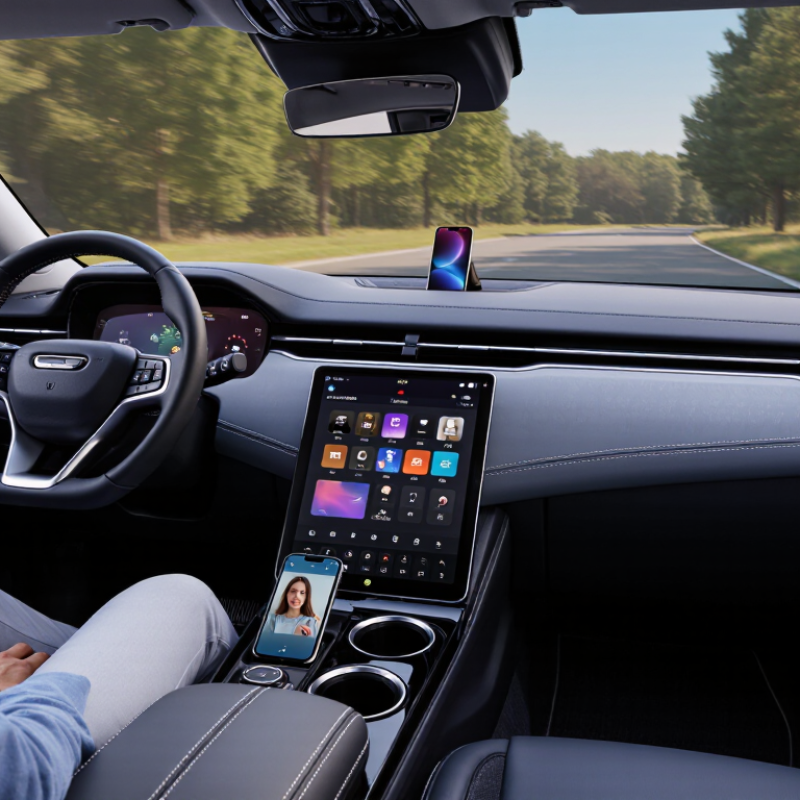
Start with your real driving routine, not a feature list. Do you spend an hour commuting, take weekend road trips, or mainly need clear calls and navigation? Picture the cabin: a child in the back wants audio, while you need directions without reaching across the dashboard. Write down who uses the system, which functions matter, and what must stay simple. Small detail, big difference.
Safety belongs on that list. The AAA Foundation for Traffic Safety reported that drivers needed an average of 40 seconds to complete certain visual-manual tasks using in-car technology. At 25 mph, a vehicle can travel more than a quarter mile in that time. NHTSA also recorded 3,308 deaths in distraction-affected crashes in 2022. These figures do not mean every screen is unsafe; they do show why frequent tapping should not be a core need. Prefer functions you can set before moving, and check whether essential controls are easy to reach. It is tempting to want every feature. I’d question that impulse: a system that looks impressive in a showroom may feel cluttered on a dark, rainy drive. Decide what you will actually use, then leave room to reconsider.
Before choosing a car entertainment system, check your vehicle’s exact year, trim, and factory audio setup. Similar models can use different dashboard openings or wiring. Measure the space behind the dash, not just the visible opening. Measure twice. Check whether steering-wheel controls, a backup camera, and factory amplifiers need to remain connected. A vehicle-specific fitment guide can help confirm the required system size, wiring harness, and adapters. Do not rely on screen dimensions alone. Some dashboards have climate controls built into the audio unit, which can make replacement more complex.
Installation needs deserve equal attention. Check for enough depth behind the dashboard and plan where the microphone, USB cable, and antenna will sit. A thick cable can interfere with a panel that seemed to fit perfectly. Do not force it. Follow the vehicle and system instructions, especially around battery disconnection and nearby airbag wiring. If wiring diagrams are unclear, ask a qualified installer before removing trim. I would pause to verify each connector rather than assume it matches; that extra check can prevent lost functions or damaged clips. Allow time for unexpected adapters, because a straightforward installation can still take longer than expected.
A car entertainment system should sound clear at ordinary listening levels, not merely impressive in a showroom. Compare how it handles speech, bass, and road noise. A podcast should remain easy to follow with the windows closed and the fan running. Check whether tone controls make useful adjustments without muddying voices. More power is not always better. Speakers, cabin size, and installation all affect the result, so a high power rating alone can mislead.
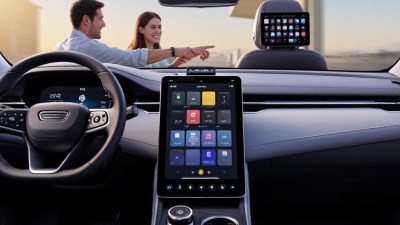
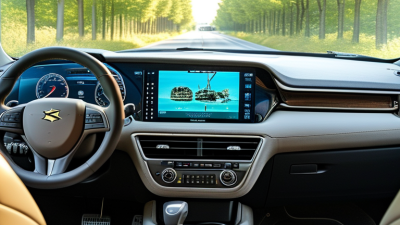
The display needs to be readable in bright daylight and dim enough for night driving. Look for clear text, responsive touch controls, and menus that do not bury common functions. A sharp screen is helpful, but visibility matters more when sunlight hits the dashboard. Check its position from the driver’s seat; reaching across the cabin or taking your eyes off the road for too long is a poor trade-off. Small buttons can look tidy and still be frustrating.
Connectivity is where a system can feel effortless—or annoyingly inconsistent. Test Bluetooth pairing with the phones you actually use, and check whether calls, music, and navigation audio work together as expected. Wired connections may offer a steadier link, while wireless options reduce cable clutter. Consider available USB ports, microphone clarity, and how the system handles reconnection after the car starts. I would not choose from a feature list alone; compatibility can vary, and one detail is easy to overlook. Try the menus before buying, if possible.
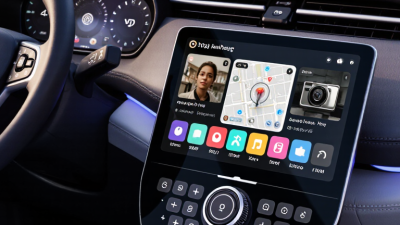
A car entertainment system should be easy to understand before the engine starts. Look for a clear home screen, readable text, and buttons you can find without hunting. Try common tasks while parked, such as changing audio sources or adjusting volume. If these take several taps, they may distract you later. Small details matter. Check that steering-wheel controls still work and that the display remains readable in bright sunlight.
Safety deserves more than a quick glance at a feature list. Choose a setup that supports hands-free calls and voice commands, but test whether it understands ordinary speech over road noise. Keep frequently used controls within easy reach, and avoid systems that encourage watching video while driving. A poorly positioned screen can block your view. Installation also matters: ask how wiring and mounting affect airbags or existing vehicle functions. I once assumed a neat-looking installation meant a safe one; that was not a reliable measure.
Think about upgrades before buying. Check for suitable ports, software updates, and compatibility with your phone and vehicle. Ask whether components can be replaced separately, rather than forcing a full system change when one part fails. Get installation and future service costs in writing. Some upgrades sound simple on paper. They may not fit an older dashboard without extra parts, so verify the details with a qualified installer.
A low sticker price can feel like a win when two systems appear to offer similar screens and speakers. But the real cost may include a wiring adapter, installation, or a replacement camera interface. List every required part and ask whether the quoted price includes setup. Keep the receipt and photograph the installed connections. Small details matter. A well-fitted unit is less likely to rattle or strain its cables over time.
Read the warranty before paying. Check how long it lasts, which parts are covered, and who handles repairs. Some warranties exclude labor, shipping, or damage caused during installation. A longer warranty sounds reassuring, but it is not automatically better if claims are difficult to file. Ask how software updates are delivered and whether replacement parts will remain available. Save the support contact and your purchase details somewhere easy to find. If answers are vague, pause and compare another seller. It is easy to focus on the screen and overlook future help; I would, too. A modest system with clear support may serve you better than a feature-packed unit that becomes hard to maintain.
| Tip | What to Check | Price Consideration | Warranty Check | Long-Term Support |
|---|---|---|---|---|
| 1 | Set a total budget | Include the unit, installation, wiring adapters, and any required dash parts—not just the advertised device price. | Confirm whether installation or accessories are covered separately from the main unit. | Keep receipts and installation records; they can help with future service or warranty claims. |
| 2 | Check vehicle compatibility | Verify the system fits your vehicle and works with features you want to retain, such as steering-wheel controls or a factory camera. | Ask whether modifications or third-party installation affect the warranty terms. | Choose a setup that can use standard replacement cables or adapters where practical. |
| 3 | Compare the full feature set | Pay for features you will use; built-in navigation, smartphone connectivity, and extra inputs may affect the total cost. | Check whether the warranty covers the functions you rely on, including the display and connectivity hardware. | Confirm how software and map updates are delivered and whether any ongoing fees apply. |
| 4 | Read the warranty terms | Compare the coverage included with the purchase rather than assuming a higher price means broader protection. | Check the coverage period, exclusions, claim process, and whether labor and shipping are included. | Save the warranty document and note the seller’s process for repairs, replacements, or returns. |
| 5 | Assess repair options | A low initial price may be less attractive if replacement parts or repairs are difficult to obtain. | Find out whether warranty service requires sending the unit away and who pays related costs. | Look for accessible support channels and a clear procedure for troubleshooting and service requests. |
| 6 | Consider future updates | Check for possible subscription, data, or update costs before choosing features that depend on ongoing services. | Clarify whether software issues are covered and whether coverage changes after an update. | Review the stated update policy and whether essential functions still work if updates or online services end. |
| 7 | Compare support before buying | Compare the complete purchase cost, including installation and any optional protection plan, with your budget. | Read the written terms; coverage and consumer rights can vary by seller and location. | Check that help is available after purchase and that support information, manuals, and troubleshooting steps are easy to find. |
| Note: Prices, warranty coverage, installation requirements, and support policies vary by vehicle, seller, product, and location. Confirm current details in writing before purchasing. | ||||